Pixelfed
Federated photo sharing: pick a Pixelfed server, post pictures and albums, follow people on Pixelfed and the wider fediverse.
Web
Open source

1.1.1.0 · Pinterest Inc. · Page updated
Pinterest for Windows is a free app for collecting photo ideas on boards. The current version is 1.1.1.0.
Average 0.0 · ratings: 0
Thank you! Your rating is saved; you can change it. Could not save the rating. Please try again later. Too many ratings from your network today. Please try again tomorrow. The average appears after 5 ratings.
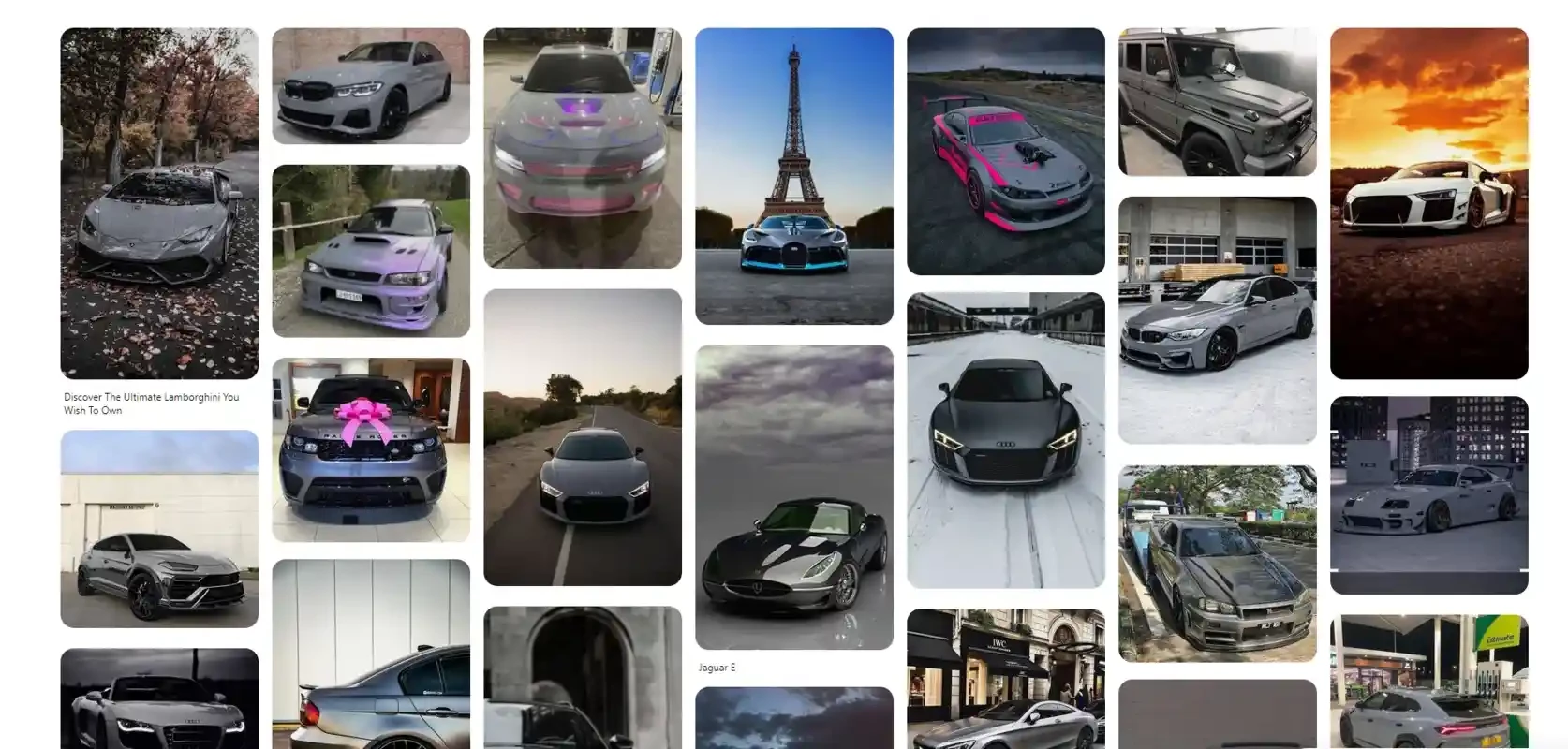
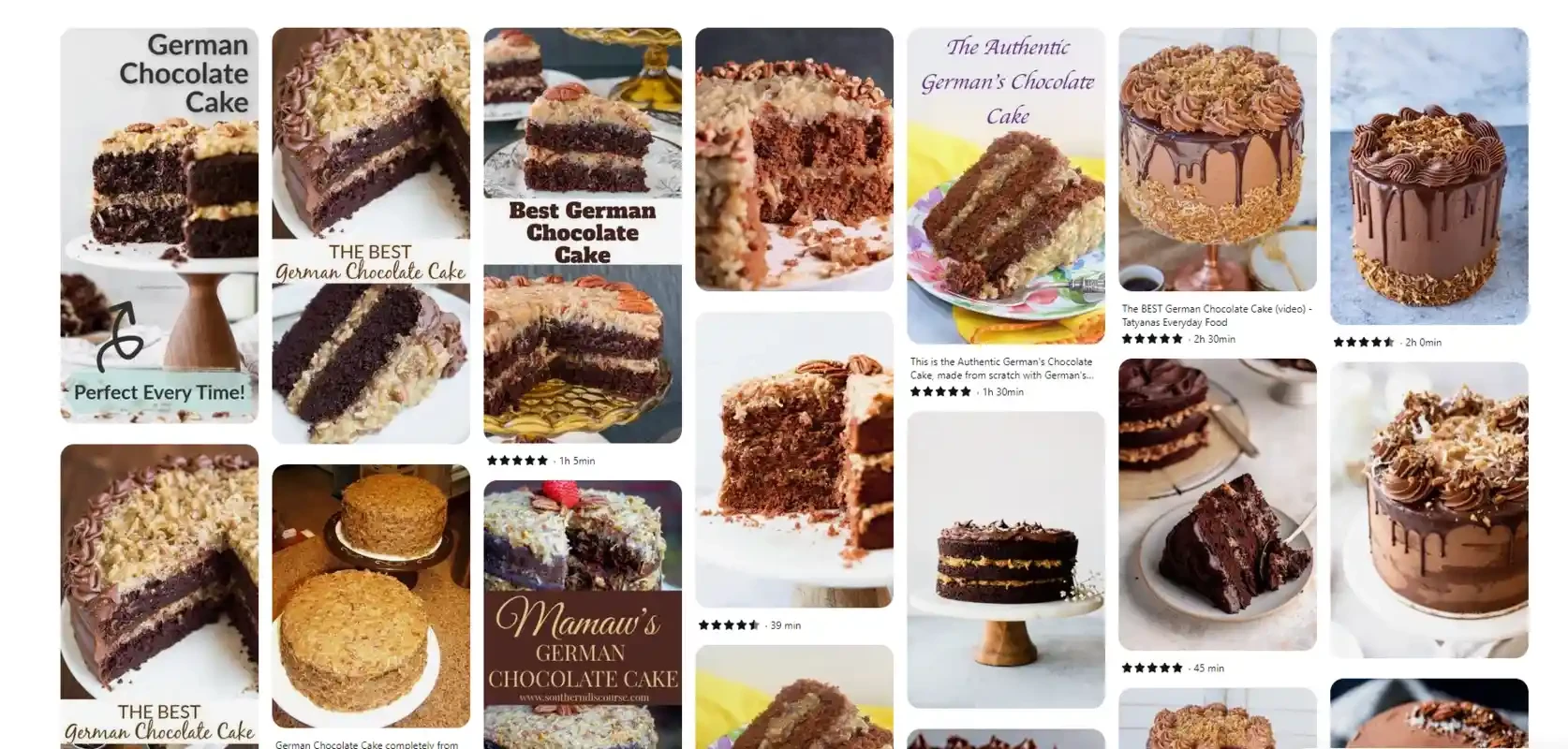
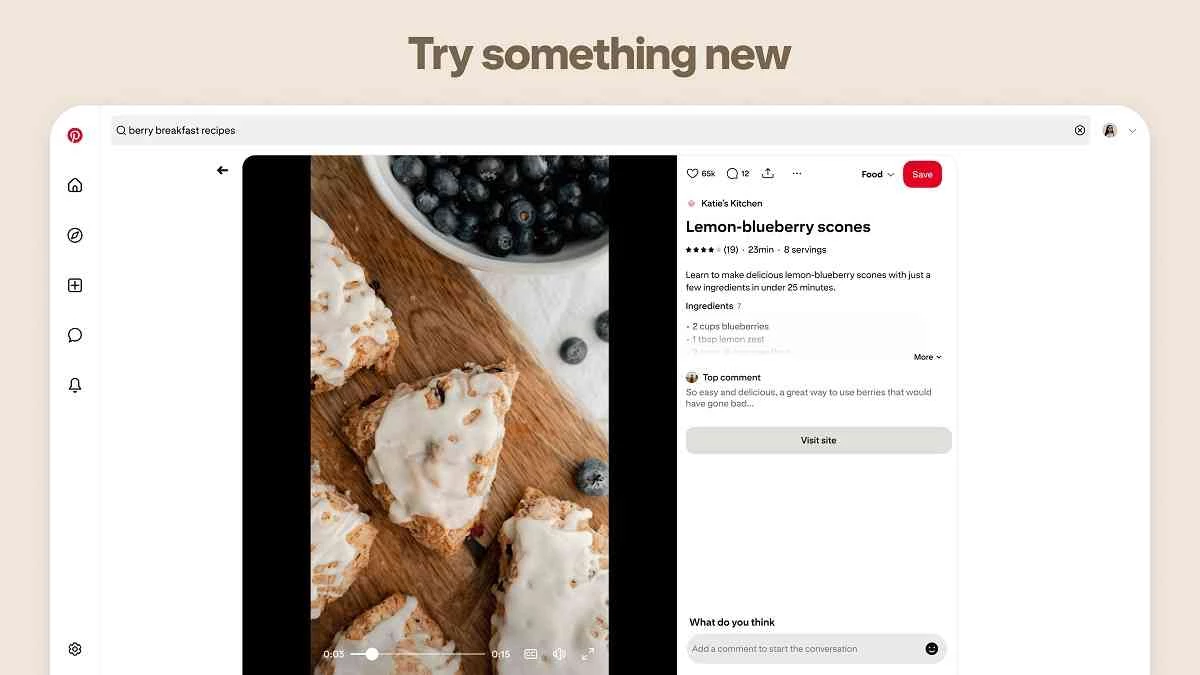
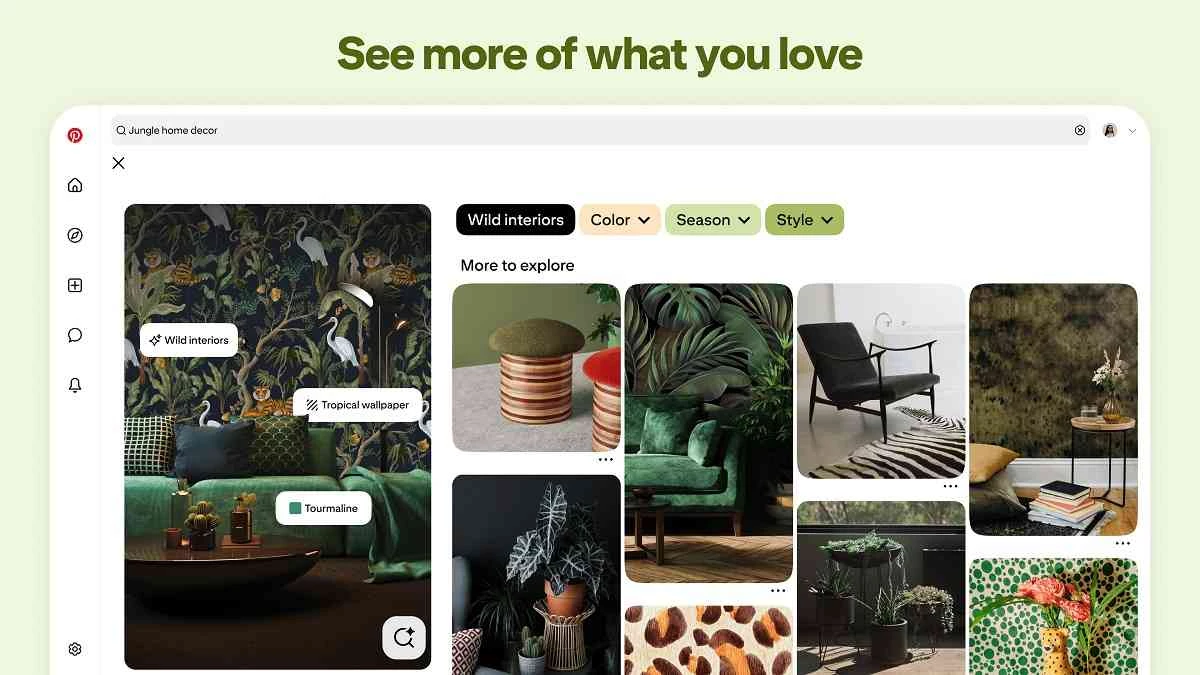
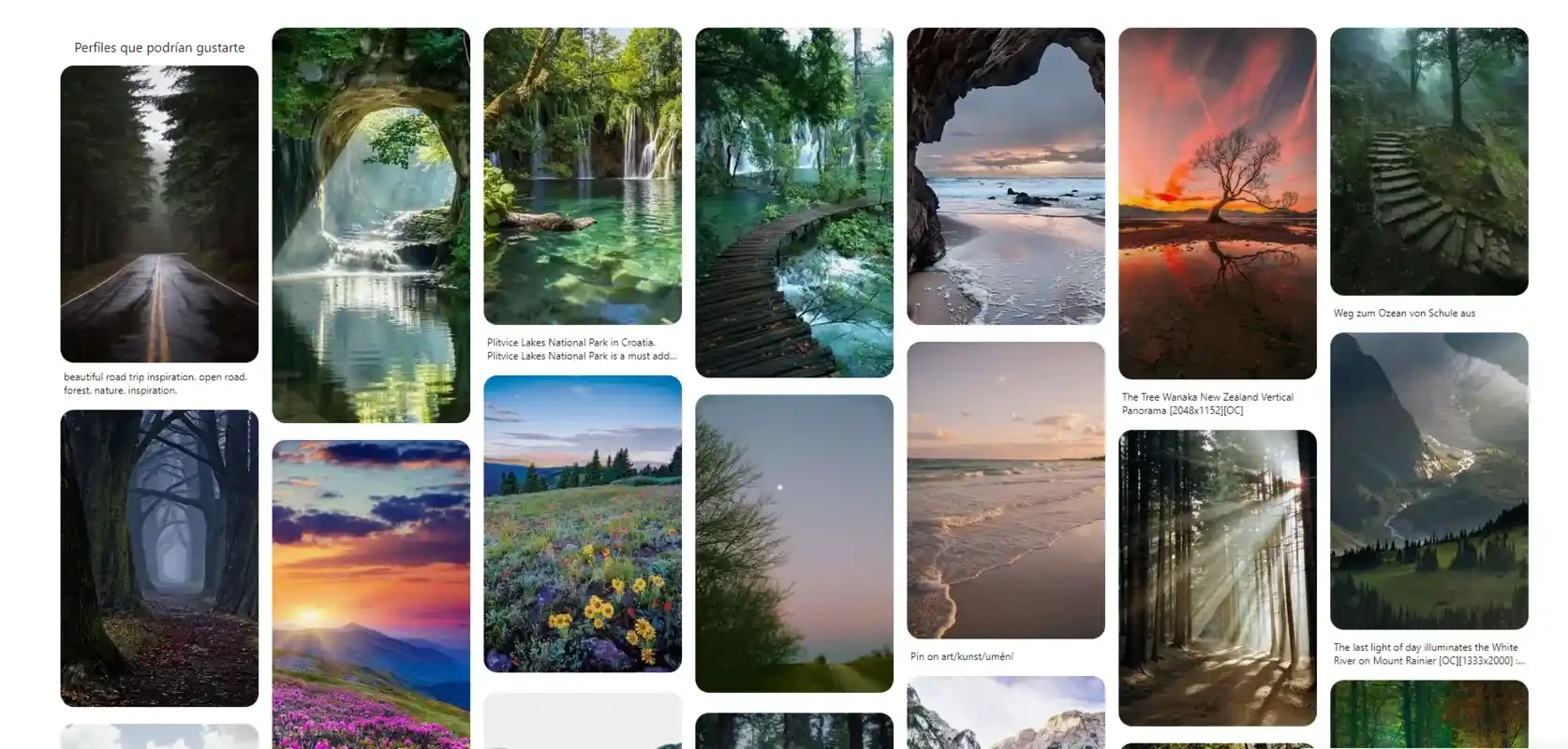
Pinterest 1.1.1.0 for Windows puts the photo-sharing site in its own window, and the download is free and, according to catalogue data, only about 1.79 MB. Pinterest Inc. publishes the app; this build was listed on 21 September 2026.
Download it for Windows if you open Pinterest often enough that a separate icon on the taskbar makes sense. Nothing else changes: your boards, pins and account are the same as on the website.
Pinterest has been around since January 2010 and works like a visual bookmark system. You save images, called pins, to boards you organise by theme, and the service suggests more pictures in the same spirit. People use it to plan renovations, collect recipes, gather outfit ideas, prepare mood boards for design work or keep reference photos for drawing. Wikidata calls it an American photo sharing and publishing website, and the Windows app does not try to be more than that. It is for people who think in pictures and want a quiet place to collect them, not for chatting or following the news, and it is available in nearly thirty interface languages, from Czech and Hindi to Tagalog and Vietnamese.
The app is free, and so is the account. Get it from the Microsoft Store or through the official website and you avoid repacked copies from mirror sites. Because the package is so small, most of what you see is loaded from Pinterest's servers, so an internet connection is required.
Any Windows PC that runs the Microsoft Store and has a working connection is compatible. The store itself checks the system and hides the Install button if something is missing.
Honestly, not much, and that is the point. The app opens straight into your home feed, keeps you signed in and sits on the taskbar like any other program, so it is quicker to reach than a bookmark buried among browser tabs. You can pin it to Start, get notifications through Windows and keep inspiration separate from work tabs. Saving an image works the same way as on the web: hover over a picture, press Save and choose a board. Boards can be secret or public, and you can invite other people to a board to plan something together, such as a wedding or a kitchen redesign.
If you would rather keep Pinterest in a tab, it works perfectly in Google Chrome or Opera. For short videos instead of still images, TikTok is the usual choice.
Federated photo sharing: pick a Pixelfed server, post pictures and albums, follow people on Pixelfed and the wider fediverse.
Adobe Photoshop is the raster graphics editor from Adobe for photo retouching and image editing. Version 2026 27.10 installs as a trial on Windows.
Adobe Illustrator Online refers to using Adobe's vector design tool through the browser and Adobe's web services, with an Adobe account and plan.
Adobe Illustrator is Adobe's vector graphics editor for logos, illustrations and print design. This page covers Illustrator CC 2026, version 30.8, for Windows.

PicWish is an AI photo editing app for Windows that removes backgrounds, cleans up images and prepares product photos with a few clicks.

PixelLab is an Android app from App Holdings for adding text, stickers and effects to photos; on a Windows PC it runs through an Android emulator.
Adobe Photoshop CS6 is an older perpetual-licence version of Adobe's image editor for Windows; Adobe no longer sells or updates it, and today's Photoshop is subscription-based.